Table of Contents
Personal Cultivation Topics
Choose a topic about mastering the five pillars of personal cultivation.
We are fundraising to build a Center for Neurodiversity, in Chester, Utah. Every little amount helps!
Choose a topic about mastering the five pillars of personal cultivation.
Choose A Free Personal Cultivation Topic
Music & Sound Design
Learning how to setup music as well as play and design sounds can really enhance your digital media presence for any project.
Hookup various peripherals (audio adapter, speakers, digital piano (midi-controller), and microphone.
We will learn how to setup your Mac
Get started with three digital audio workstations (DAW's).
Teach ourselves music within MuseScore.
Below learn music & sound design with Christopher.
Music & Sound Design Courses
Learn music & sound design with Christopher.
A: Music Peripherals
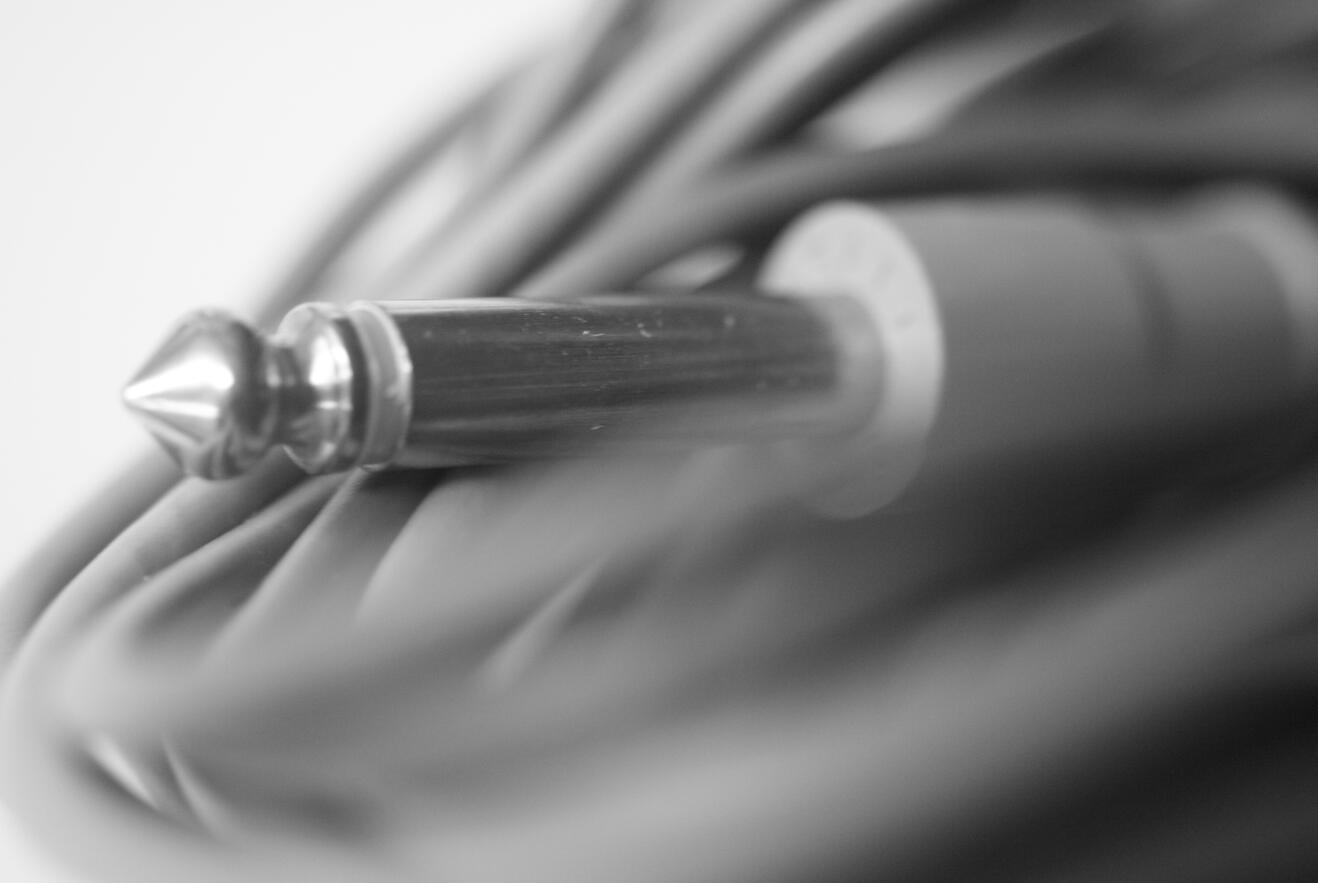
Connect your gear.
B: Mac Setup
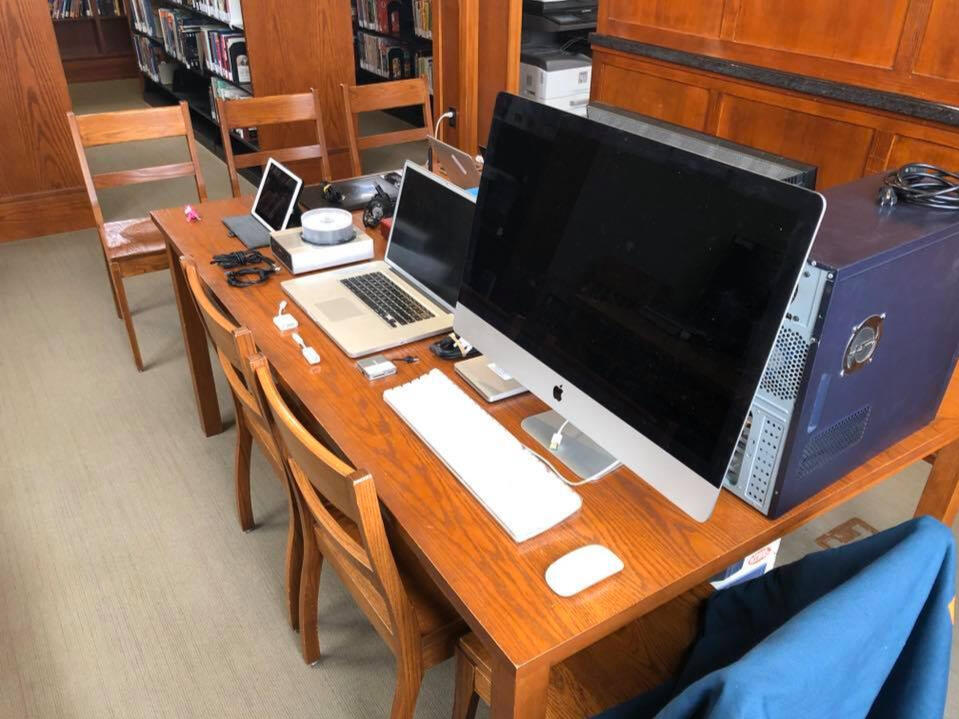
Setup your Mac.
C: Digital Audio Workstation
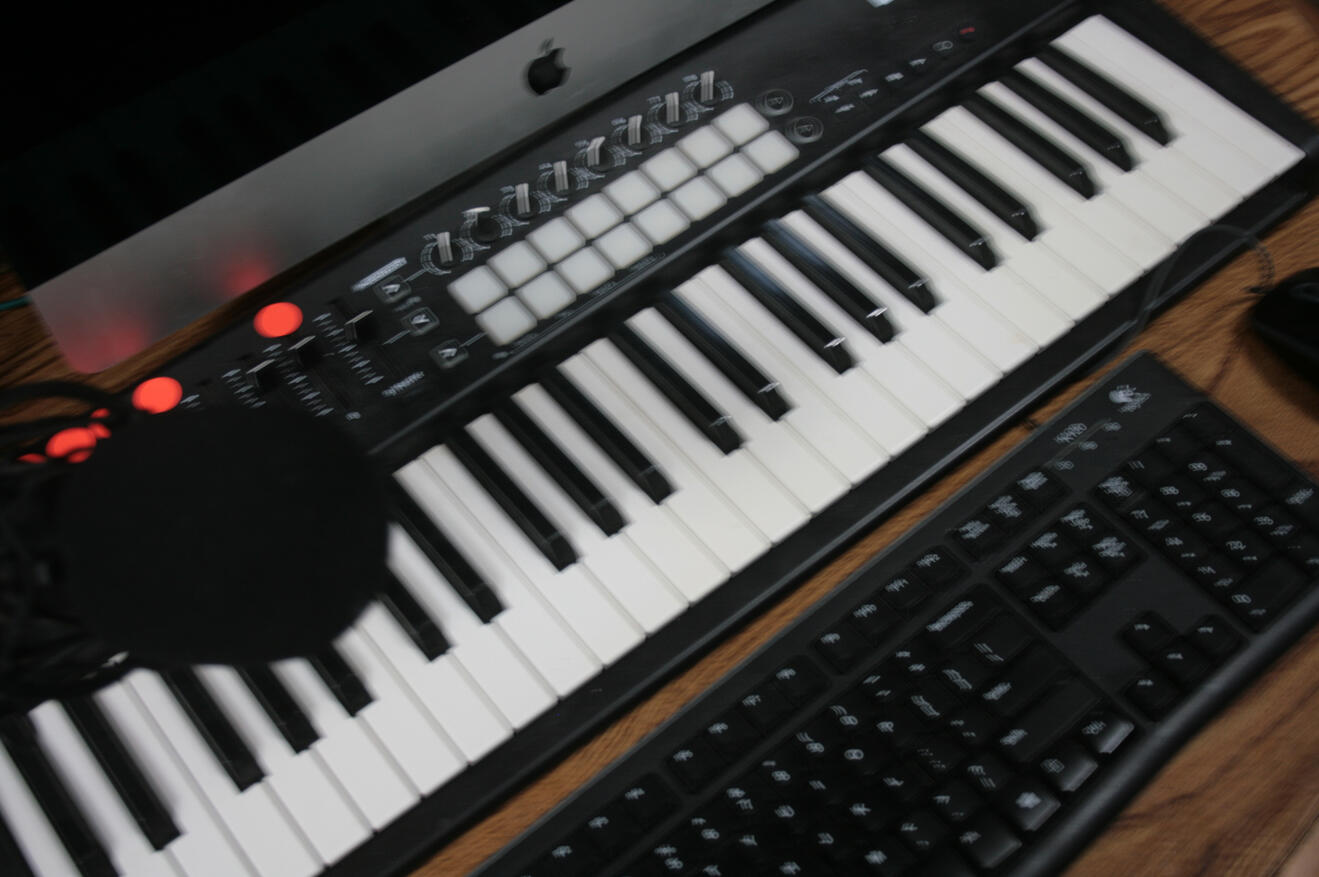
Dive right in.
Step A1: Music Peripherals
Peripherals Preparation
First, make a list of items you want to connect to your Mac.
You could make a recording booth with a microphone to your Mac.
You could add a digital piano with a microphone together to create a digital audio workstation (DAW).
You will want to add monitor speakers to your audio interface setup.
Keyboard and mouse are also necessary to use the Mac properly.
A webcam (or your phone) is also helpful, but most iMacs or Macbook Pro laptops come with built in webcam (optional).
Add music peripherals to your Mac.
Peripherals Overview
Here are a few things you will need.
Mics & Peripherals
Adding a microphone is handy.
Step A2: Adding a Mic
Let's Talk About Microphones
You will want to record your voice, external instruments if you play them, and a midi-controller that affects your digital audio workstation.
Mic Overview
A few things you need to know.
Types of Mics
Two types of microphones.
XLR Microphones
A more robust mic setup.
Dongle Factor
Just to keep things interesting.
Storage Media
Microphones and storage media.
Computers
Learn to use Windows, Mac, and Linux with Christopher. Scroll down for more information.
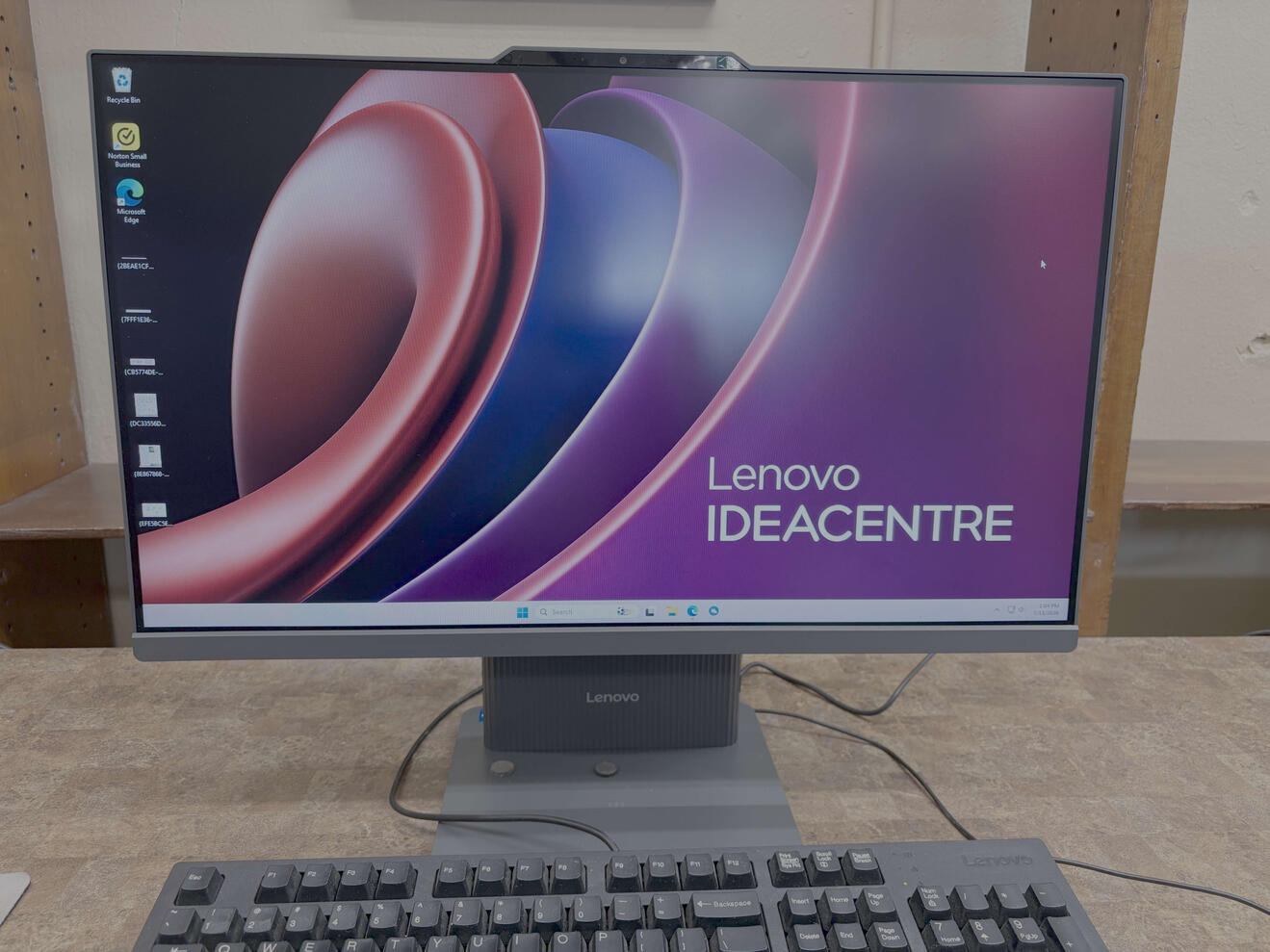
Windows
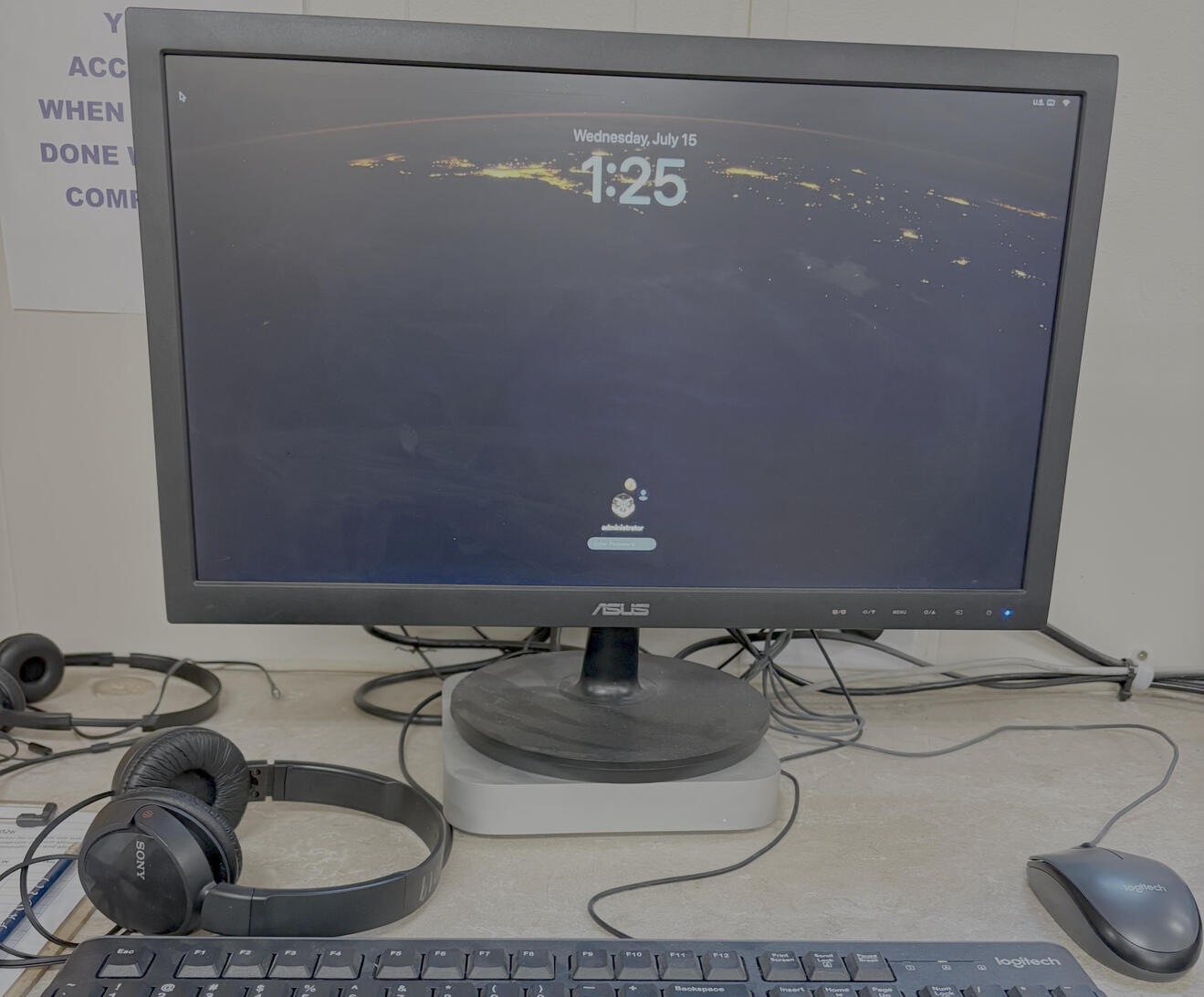
Mac
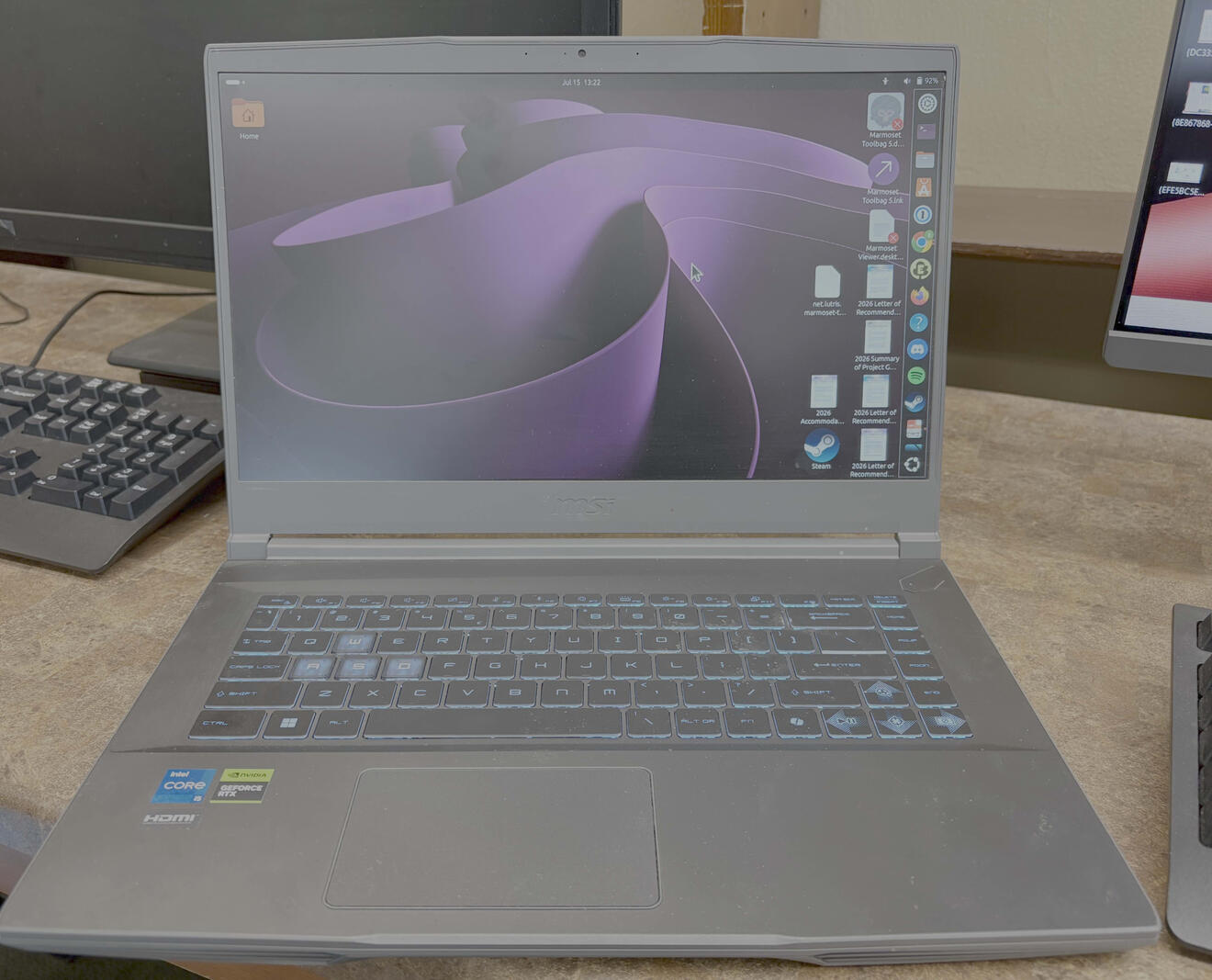
Linux
Windows Tutorials
Learn to use Windows with Christopher.
Scroll down for more information.
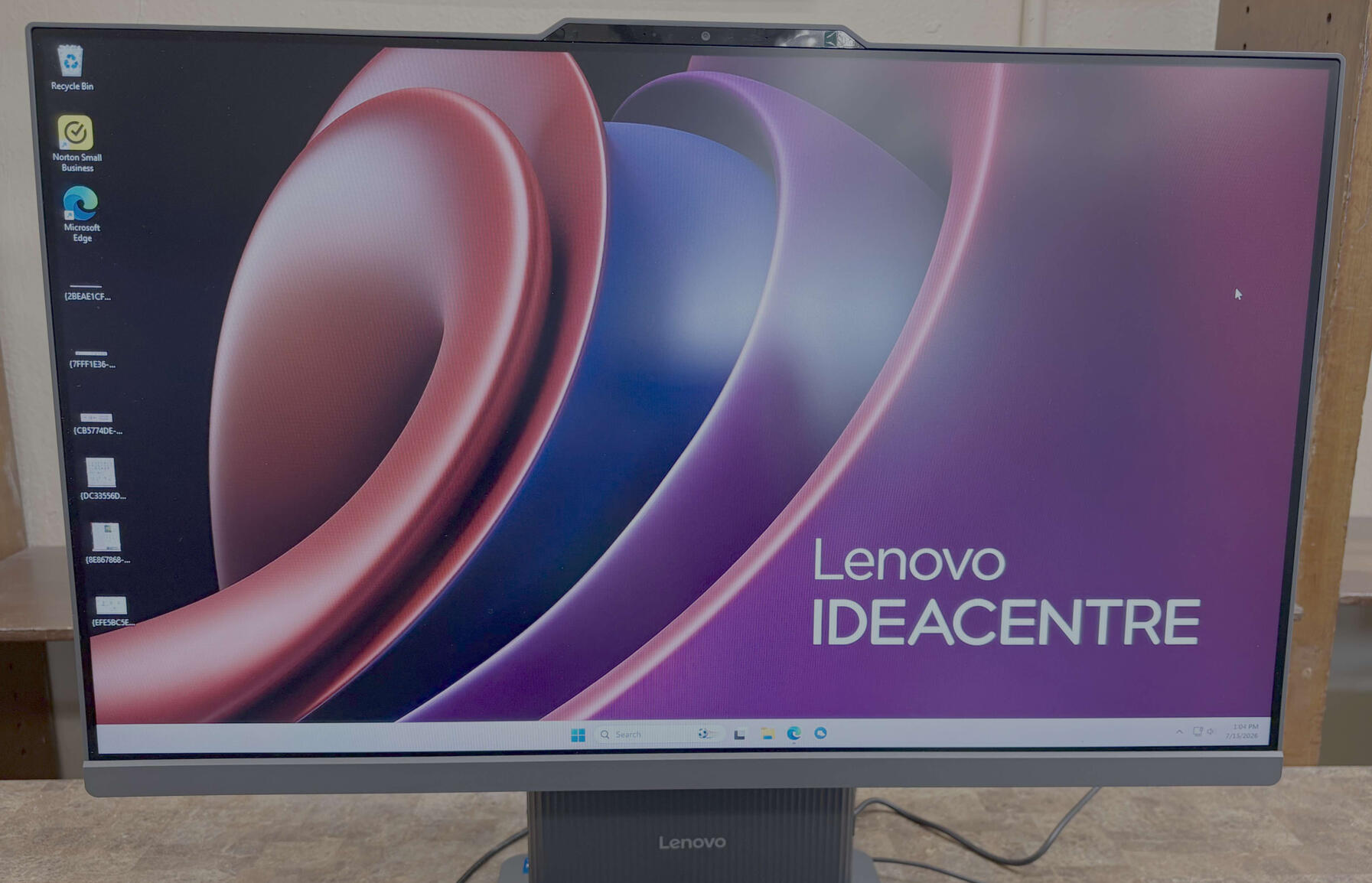
Learn to use Windows with Christopher.
Lesson 1: Peripherals on Windows 11